Applied AI insights
Insights
Get Aligned: 19 October 2026
Five under five
Transcript
This is Get Aligned for the 19th of October 2026. AI for busy teams, from AgentAligned. Five under five: five updates from this past week in under five minutes, with one thing to try for each. Three big ones first, then two quick bonus notes at the end.
Number one. Google's Gemini 4 Argon.
Google has released Gemini 4 Argon, its newest frontier model, across the Gemini app, AI Mode in Search, Gemini for business and the API. Google says it follows style instructions better and answers more directly. In one of its own demos, Argon turns a messy folder of project notes into a client proposal deck.
So here's the test. Take one past client project that isn't confidential. Give Argon the brief, the meeting notes and the agreed deliverables, and ask for a proposal outline with scope, timeline, assumptions and open questions. A good result is a draft your team would edit, not rewrite, where every commitment traces back to the notes.
One catch. Google says it's for Google AI Pro and Ultra subscribers, and business accounts can try it through Gemini for business. If your company manages your Google accounts, check with your admin first.
Number two. Krea 3.
Krea has released Krea 3, an image editing model now in open beta. Krea says most edits come back in under eight seconds at 2K, and that it keeps products, labels and logos intact while changing the scene around them. It's about six US cents per 2K image.
For brand teams, that's one approved packshot turned into several campaign variants without a new shoot. But a label that shifts even slightly is a compliance problem, not a creative choice.
So brief your designer. Take one approved product photo and ask for three variants: a lifestyle scene, a seasonal setting and a marketplace crop. Then check each one against the original for the label, logo, colours and legal copy. And don't upload anything unreleased until someone has read Krea's data terms.
Number three. ElevenLabs Instant Soundtracks.
ElevenLabs has launched Instant Soundtracks. You upload a video, and it writes an original score, spots the moments that need sound effects, and places them on the timeline. Think of a whoosh timed to your logo at the end of an ad. The effects sit on their own layer, so your editor can tweak or remove them.
If your team churns out short social cuts and leans on stock music, this one's worth a look. Pick one approved fifteen to thirty second video, generate a soundtrack, and compare it with your usual music process: how long the review took and what you had to fix. ElevenLabs hasn't said which plans include it or set out commercial terms yet, so confirm that before it goes near paid media.
Now, two quick bonus notes.
Bonus one. Muse Wonder.
Meta says Muse Wonder, released on the 12th of October, is its most capable model, built for complex software engineering and long-running agent work. Right now it's available through Meta's Model API and Muse Code, and Meta says it'll soon power more of Muse, rolling out to subscribers first. If you work with developer partners, flag it to them, and watch for it in Muse.
Bonus two. One thing to try this week. If there's only one thing you get to do this week, try a voice conversation with Grok Bot.
We rate its voice chat as best in class, thanks to Grok Voice 3.0, released on the 14th of October. It ranks number one on Artificial Analysis's Speech-to-Speech Index, with a score of 86.9. There's a free trial with limited usage. Start a voice chat on desktop or mobile and talk through one task you'd normally type, like planning next week's content calendar.
That's it for this week. Pick the one task that fits work already on your plan, give it an owner and a clear idea of what good looks like, and see if the tool earns its place.
The full article, with links and sources, is in the Insights section at agentaligned dot agency. This has been Get Aligned, five under five, AI for busy teams. See you next Monday.
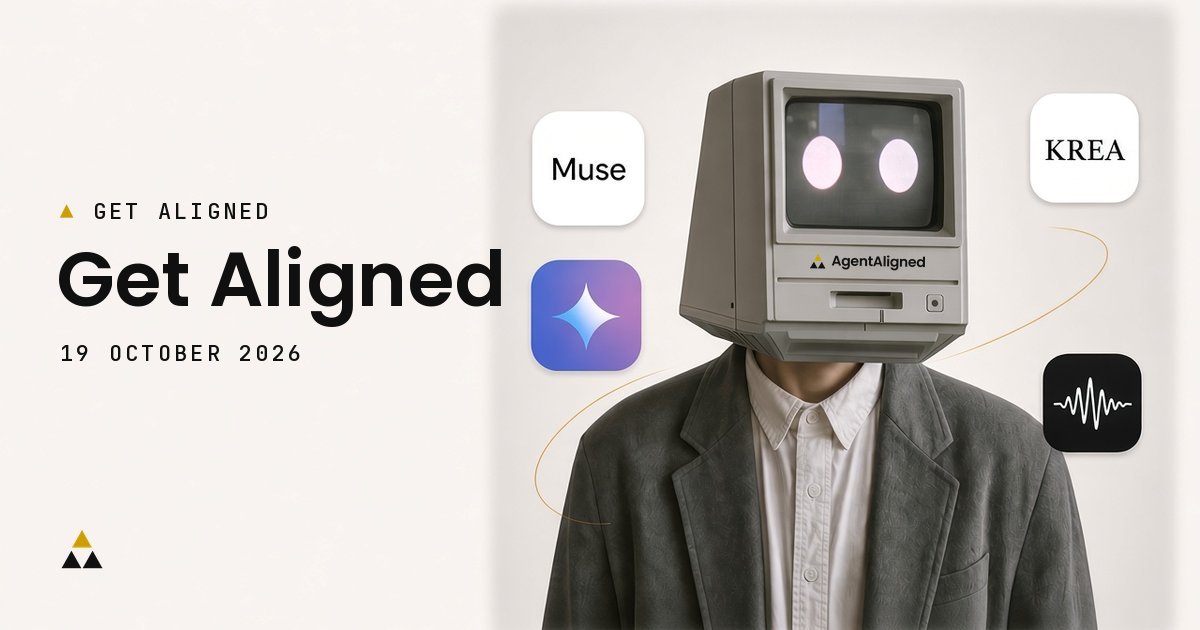
AI news for busy teams, 11 to 18 October 2026: Gemini 4 Argon for a client proposal draft from scattered project notes, Krea 3 for adapting approved product images and ElevenLabs Instant Soundtracks for scoring short videos. Each update comes with one bounded task, an owner and the access limits to check first.
Key takeaways
- Account and project managers: Try Gemini 4 Argon on one non-confidential proposal draft, if your Google plan includes it.
- Designers: Adapt one approved packshot in Krea 3 and check the label, logo and product details survive.
- Video producers: Score one approved short-form cut with Instant Soundtracks and review the sound before it goes near a live campaign.
How we chose this week's updates
This edition covers 11 to 18 October 2026. See how we choose Get Aligned.
1. Gemini 4 Argon: can it turn project notes into a client proposal draft?
Announced by Google on 13 October 2026 · Covered by Matt Wolfe and Paul J Lipsky on 13 October, and Riley Brown on 16 October

Google announced Gemini 4 Argon, its newest frontier model, on 13 October 2026. It is in the Gemini app, AI Mode in Search and the Gemini API. Google says Argon follows style instructions better than earlier Gemini models and answers more directly. One of Google's demonstrations turns an unstructured folder of project context into a client proposal deck. (Google's announcement)
The question for account and project managers: does it turn scattered notes, briefs and call summaries into a draft the team would edit, not rewrite?
Try with your account or project manager: Give Argon the brief, meeting notes and agreed deliverables from one past, non-confidential client project. Ask for a proposal outline with scope, timeline, assumptions and open questions in separate sections. A useful result traces every commitment to the source notes, with nothing tentative quietly turned into a promise.
Access: In the Gemini app and AI Mode, Argon is for Google AI Pro and Ultra subscribers; enterprises can try it in Gemini for business. With managed Google accounts, ask your administrator whether it is switched on before planning around it, and check your organisation's rules before uploading client material.
Explore: Matt Wolfe's scheduling and research tests at 11:38 · Riley Brown on where to use Argon at 5:32 · Google's announcement
2. Krea 3: can your designer adapt an approved product image without the product drifting?
Announced by Krea on 15 October 2026 · Covered by Matt Wolfe on 16 October and Julian Goldie on 18 October

Krea announced Krea 3, an image editing model, as an open beta on 15 October 2026; since 16 October it has been the default image model in the Krea app. Krea says most edits return in under eight seconds at native 2K resolution, that products, labels and logos stay intact while the scene changes, and that each edit can take up to six reference images. (Krea's announcement)
For a brand manager, that means volume from one approved packshot without a new shoot. But a label that changes slightly is a compliance problem, not a creative choice.
Brief your designer: Ask for three variants of one approved product photo, such as a lifestyle scene, a seasonal setting and a marketplace-ready crop. Check each against the original for label, logo, pack colours, claims and legal copy, and note which passed review unchanged and which needed correction.
Access: In the app, Krea 3 uses compute units; Krea 3 Ultra is on Max plans and above. It is also on krea.ai and through partners including fal, OpenRouter and Replicate. API prices are from US$0.03 per 1K image and US$0.06 per 2K image, and reference images and the high thinking mode cost extra, but the API is in early access for Krea 3 beta workspaces only. Zero Data Retention is for enterprise workspaces only, so check Krea's data terms against your company's policy before uploading unreleased products.
Explore: Matt Wolfe's Krea 3 demonstration at 0:20 · Julian Goldie's walkthrough · Krea's announcement · Krea changelog
3. ElevenLabs Instant Soundtracks: can AI score your short-form video?
Announced by ElevenLabs on 15 October 2026 · Covered by Matt Wolfe on 16 October

ElevenLabs launched Instant Soundtracks in ElevenCreative on 15 October 2026. ElevenLabs says the model writes an original score for an uploaded video, finds moments that call for sound effects and places them on the timeline, such as a whoosh timed to the logo at the end of an ad. Effects sit on their own layer, so an editor can adjust, swap or remove them, and the video's existing audio can serve as a reference for the new score. (ElevenLabs' announcement)
This matters most for teams that produce many short social cuts and often fall back on stock music.
Brief your video producer: Generate a soundtrack with effects for one approved 15 to 30 second cut with signed-off visuals. Review it against your brand's sound guidance and the original edit: mood changes between scenes, effect timing on cuts and whether the music suits the brand. A useful result compares review time and corrections with your usual music process.
Access: It is available now in the ElevenCreative Music Video Editor, Creative Engine, the ElevenMusic platform and the API, which takes up to 10 videos per request, up to 200 MB and 10 minutes of video in total. The announcement does not state which plans include it or the commercial-use terms, so confirm both on your account before using the output in paid media.
Explore: Matt Wolfe's news roundup (Instant Soundtracks segment) · ElevenLabs' announcement
Also this week
 Muse Wonder. Meta released Muse Wonder, a developer-facing model, on 12 October 2026 through the Meta Model API and Muse Code. Meta calls it its most capable model, built for complex software engineering and long-running agent work, and says it will soon power more of Muse, rolling out first to subscribers. Flag it to your developer partners and watch for it in Muse.

Bonus
Bonus: one thing to try this week
If there's only one thing you get to do this week, try a voice conversation with Grok Bot. We rate Grok Bot's voice chat best in class, thanks to Grok Voice 3.0, which ranks number one on Artificial Analysis's Speech-to-Speech Index with a score of 86.9. xAI says Grok Voice 3.0, released on 14 October 2026, powers Grok Bot's voice mode, and that Grok Bot offers a free trial with limited usage. You can run several Bots at once, working in parallel. Start a voice chat on desktop or mobile and talk through one task you would normally type, such as planning next week's content calendar.
What should your team do this week?
Pick the one task that matches work already on your plan. Give it an owner, approved inputs and a definition of an acceptable result, then record the edits and review effort before deciding whether the tool earns a place in your workflow. See our guide to building a golden evaluation set.
If the same work keeps stalling between the brief, the assets and the approvals, show AgentAligned the bottleneck. We will assess whether a Bottleneck Diagnostic is the right next step.
Sources
- Google, Gemini 4 Argon: Built to solve your hardest problems, 13 October 2026
- Krea, Introducing Krea 3, 15 October 2026, Krea changelog, 15 to 17 October 2026, and Krea 3 API overview, checked 18 October 2026
- ElevenLabs, Introducing Instant Soundtracks, 15 October 2026
- Meta, Introducing Muse Wonder and Muse Wonder Full: Frontier Models for Agents, 12 October 2026, and Put your ideas to work with Muse Wonder and Muse Wonder Full
- xAI, Introducing Grok Voice 3.0, 14 October 2026, Grok Bot, and Grok Bot frequently asked questions, checked 18 October 2026
- Grok Bot on X, free trial announcement, 21 August 2026
- Artificial Analysis, Speech to Speech Models and Providers Analysis, checked 18 October 2026
- Matt Wolfe, Google Just Caught Up (Gemini-4 Argon), 13 October 2026, and AI News: 6 New Models & A Nano Banana Killer, 16 October 2026 (includes a sponsored Genspark segment, not used here)
- Paul J Lipsky, Gemini 4 Argon Is Here (Fully Tested), 13 October 2026 (sponsored by Hyperagent)
- Riley Brown, Gemini 4 and Muse Wonder Dropped… But Fable 5.5 Is TERRIFYING, 16 October 2026
- Julian Goldie SEO, NEW Krea 3 Just Dropped!, 18 October 2026
Source note: product details come from each company's own announcement and documentation, checked on 18 October 2026. Creator videos are linked for their coverage of each update.